Imports from Shopify and QuickBooks
You don't start from a blank screen. ShopJig brings over what you already have in Shopify and QuickBooks.
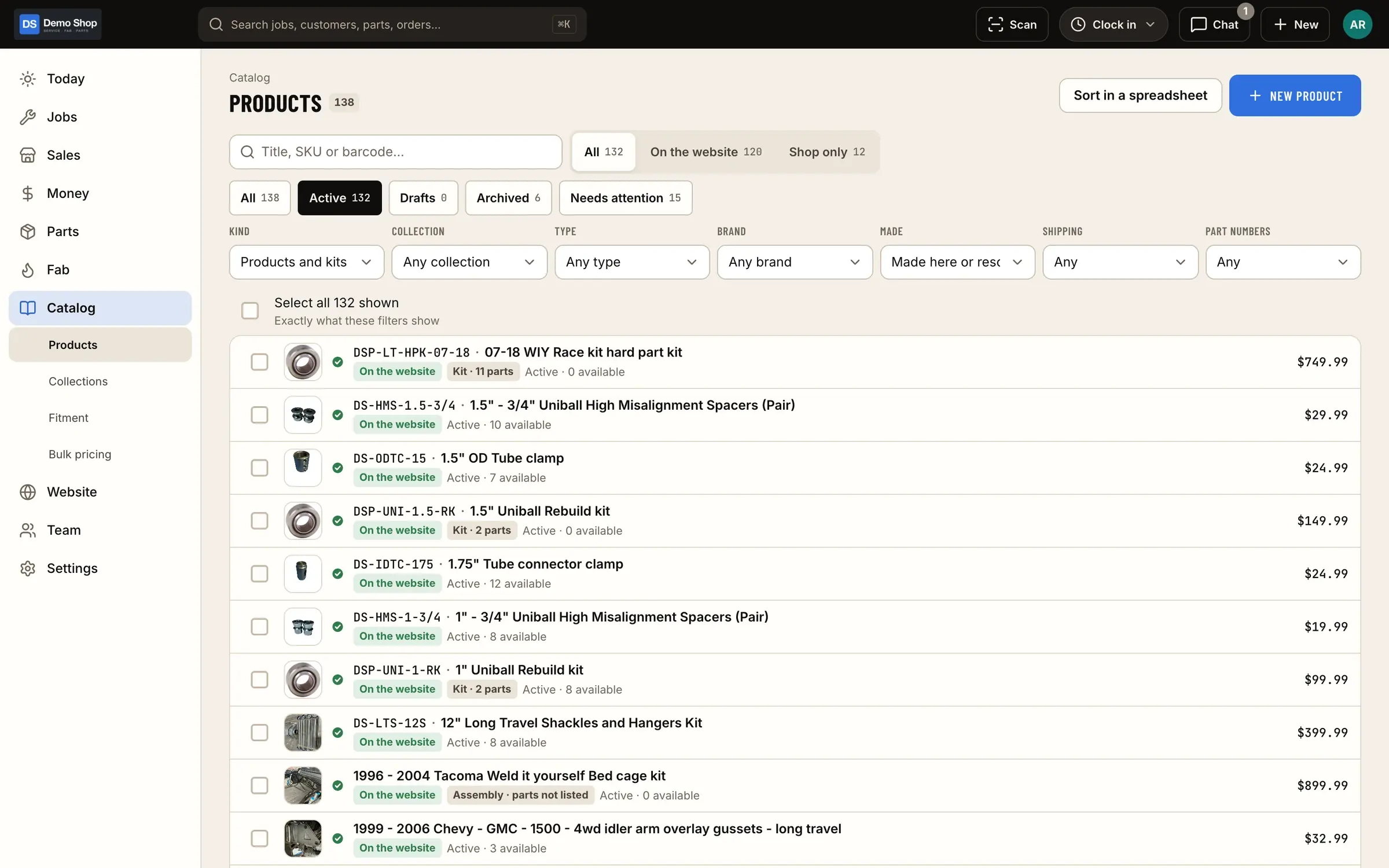
What it does
Imports, in plain terms
From Shopify
Catalog, orders and customers.
From QuickBooks
Items, invoice history and estimates.
History stays useful
Imported customers and history are there when the customer calls, not stuck in the old system.
Screens
How it fits the flow
How it fits the flow
- Quote
- Check-in
- Job
- Fab
- Invoice
- Books (this module)
Where it sits in the flow
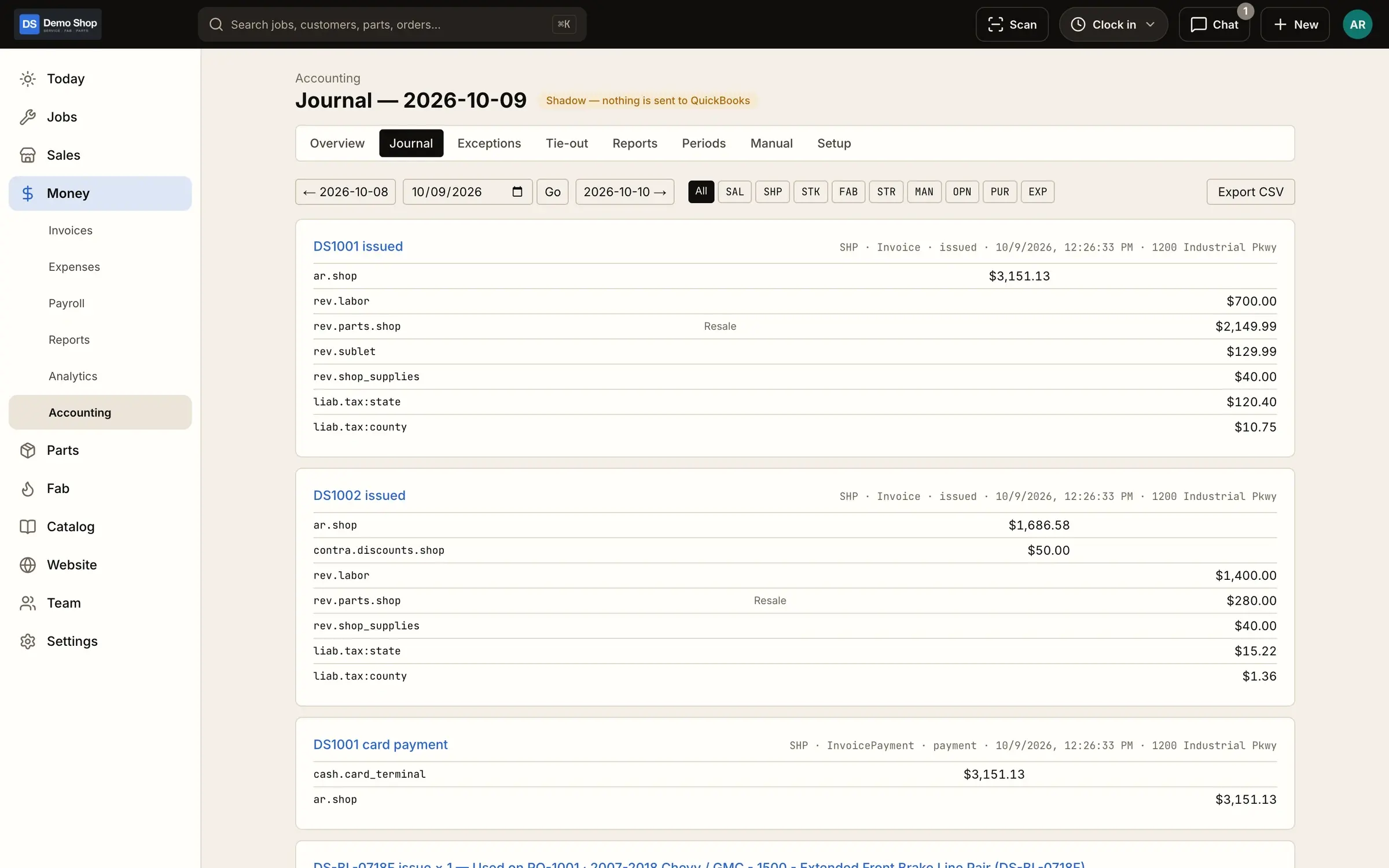
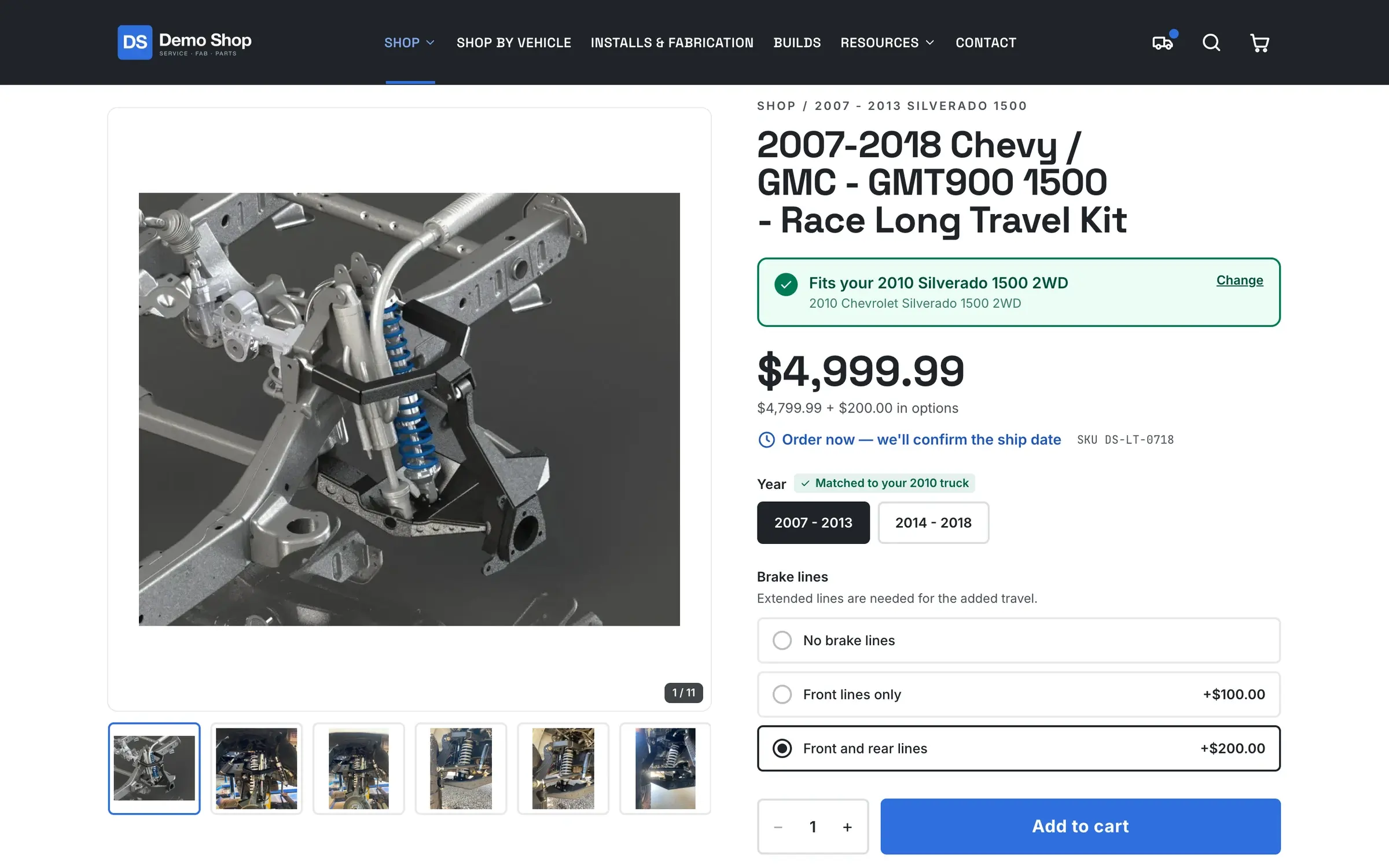
Imports happen once, at the start. Your catalog becomes the shop’s catalog for jobs, stock and the online store; your customers and their history are there for the counter; and your QuickBooks items line up with the accounting you’re already doing.
Questions
Do I have to import?
No, but most shops want their catalog and customers on day one.
Will you help with the move?
Founding shops get hands-on help getting set up. Talk to us about what you're moving from.
Works with
Website & store
The shop's own website and online store on the same system: fitment and "my truck" lookup, VIN lookup, add-ons and required questions, website vs shop-only catalog, a page builder, builds gallery, forms, dealer pricing, SEO and your own branding.
Learn moreAccounting (QuickBooks)
Built for QuickBooks Online: a costed ledger, daily summary journal entries, classes and locations, A/R tie-out and QuickBooks history import.
Learn moreParts & inventory
A costed stock ledger with stock by location, counts and reorder points, a "What do we need?" list, purchase orders and receiving, supplier price lists and drop ship.
Learn moreEarly access
Become a founding shop
We're opening ShopJig to a small group of founding shops. You get a walkthrough on your own kind of work, hands-on help getting set up, and a direct line to the people building it. Pricing isn't public yet.