iPhone & iPad
The same shop in your pocket
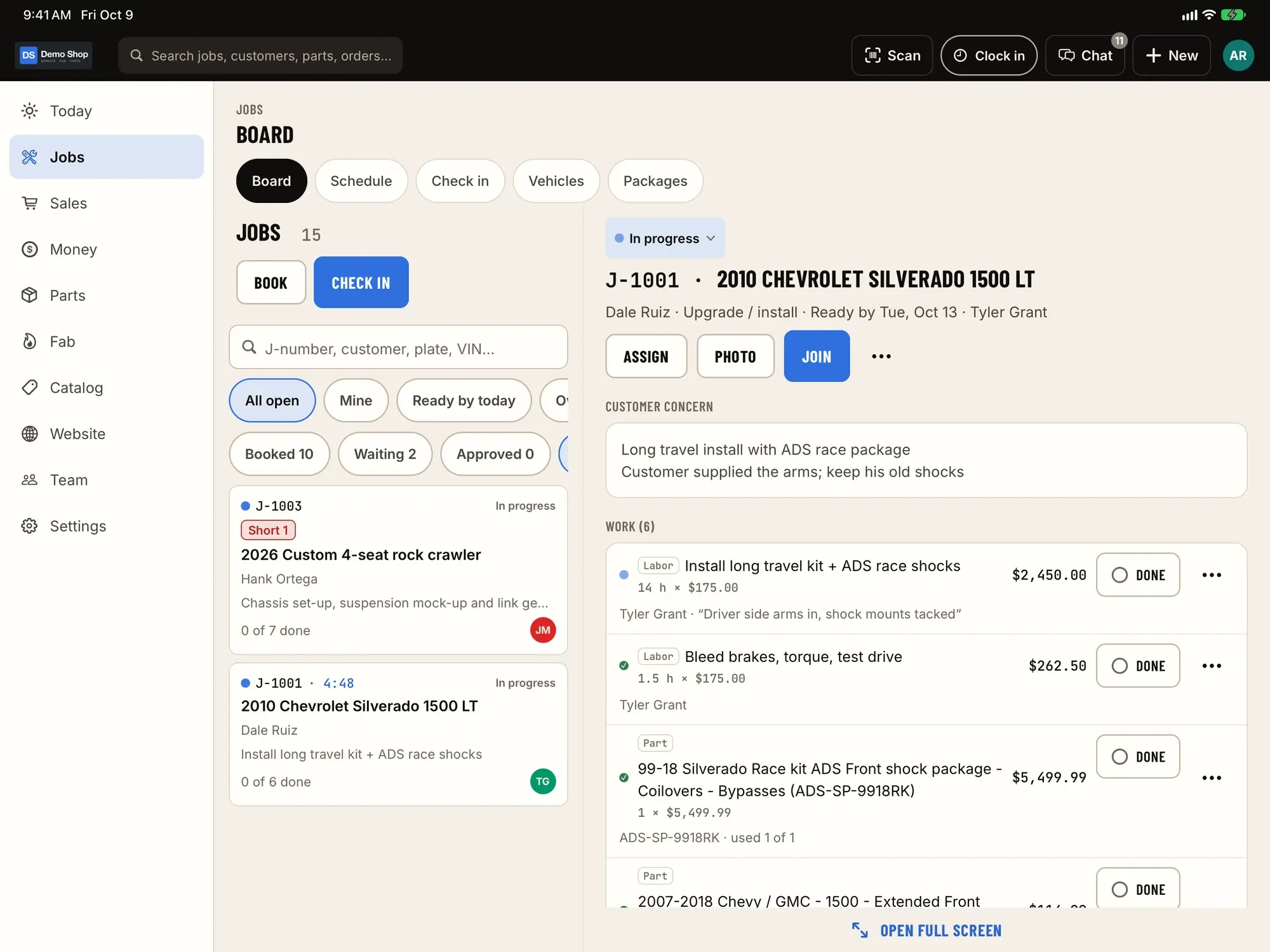
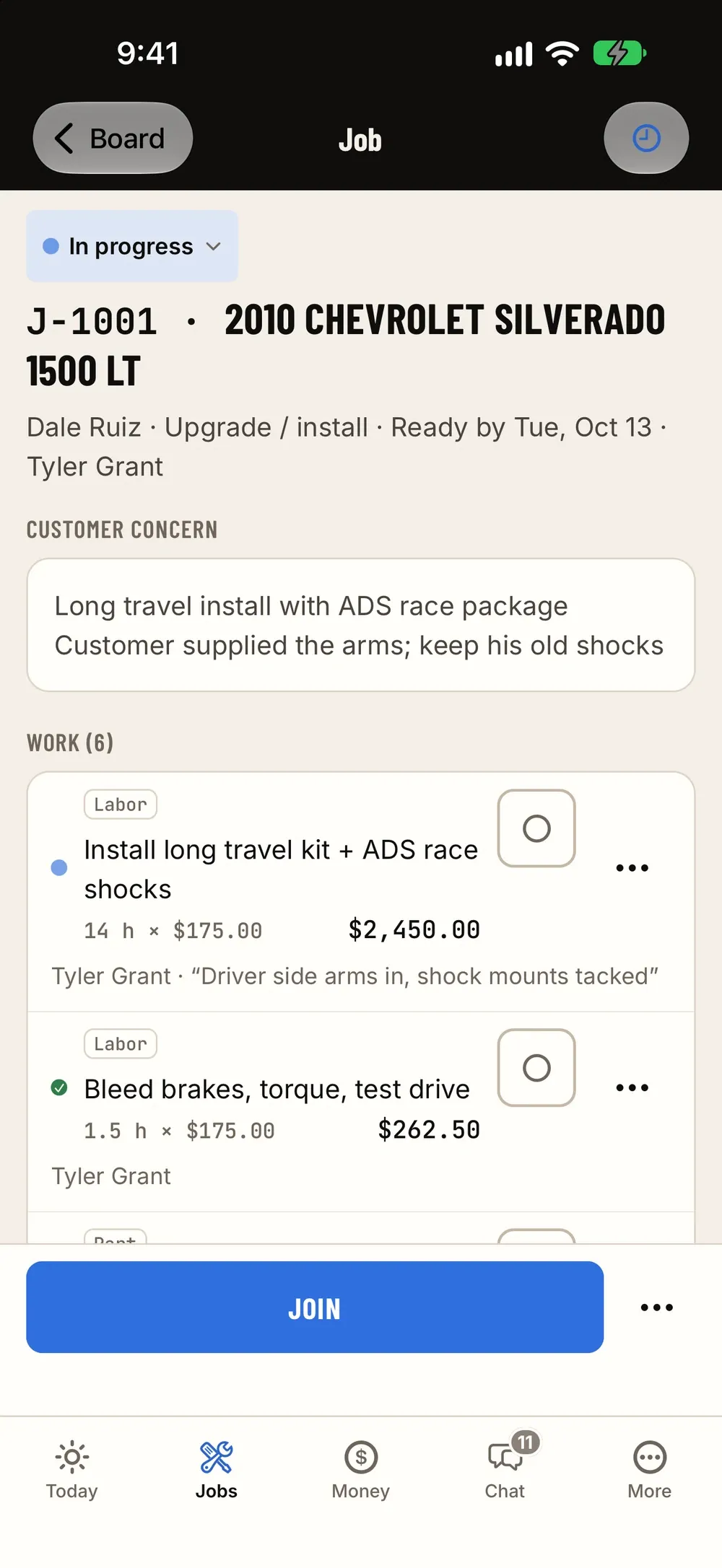
ShopJig's iPhone and iPad app has the same features as the web admin, not a cut-down companion. It goes where the work is: the lot, the bays, the parts room and the fab floor.
iPhone
For the person walking around the shop
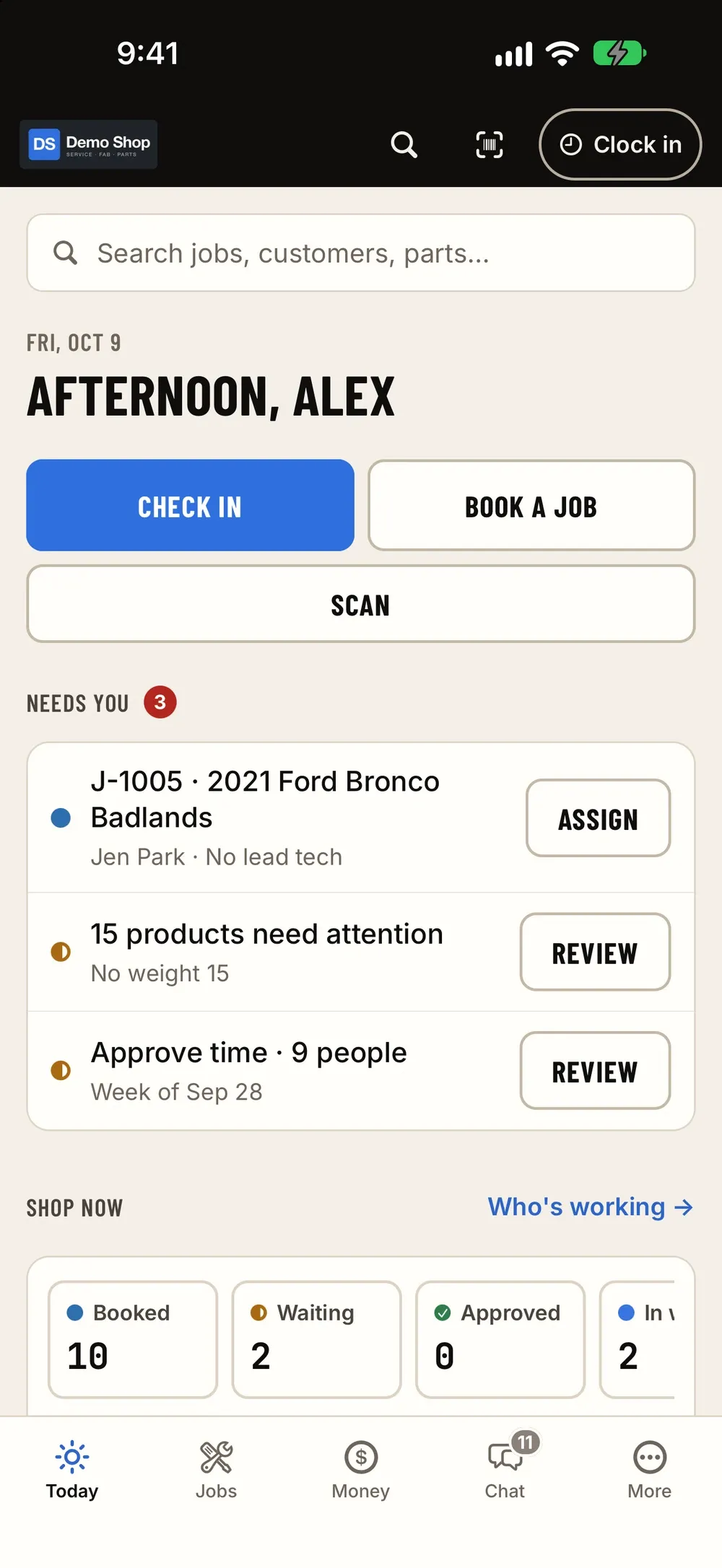
Today
Who's in, what's booked and what's waiting on you.
Jobs
The job, its vehicle, parts, photos and thread.
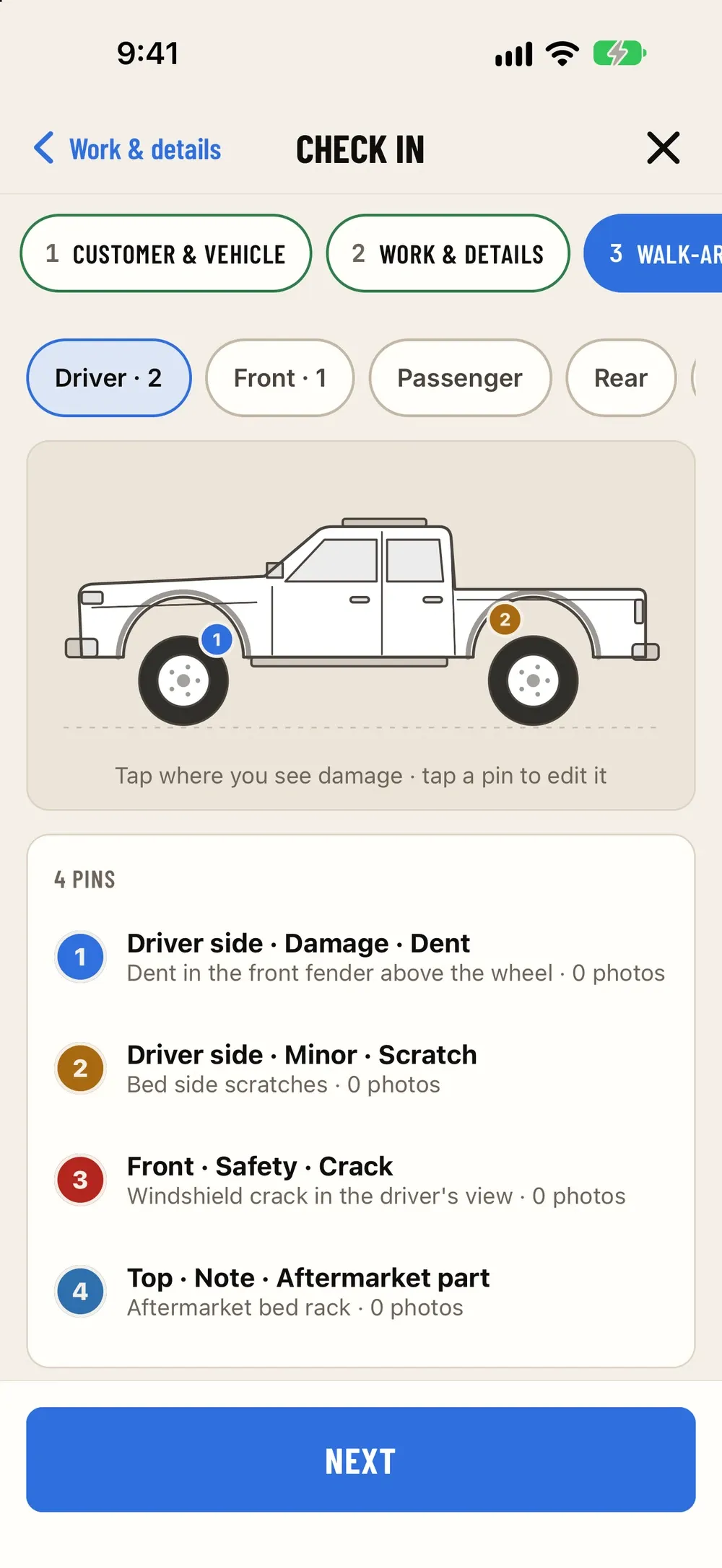
Check-in
Walk-around photos and signature in the lot.
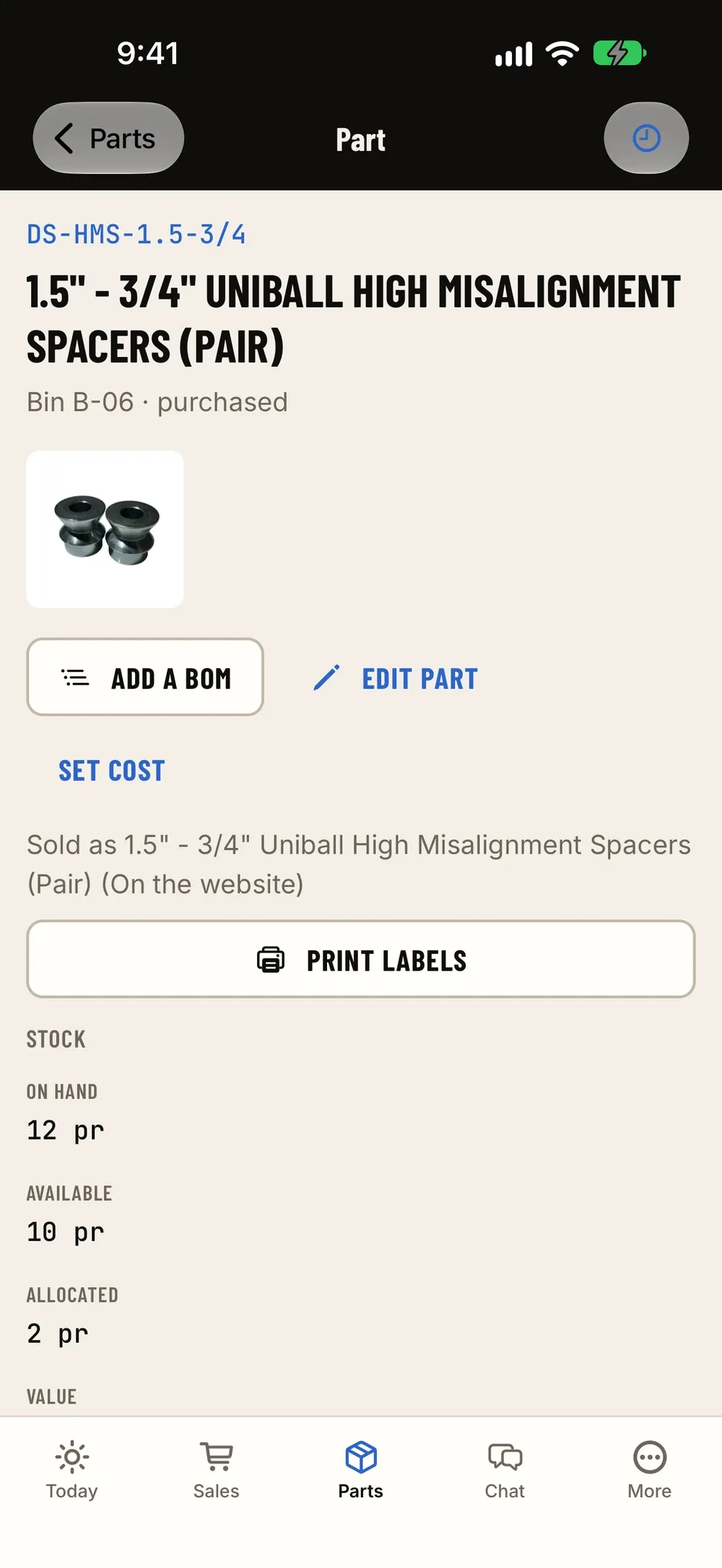
Scanning
VINs and barcodes with the camera.
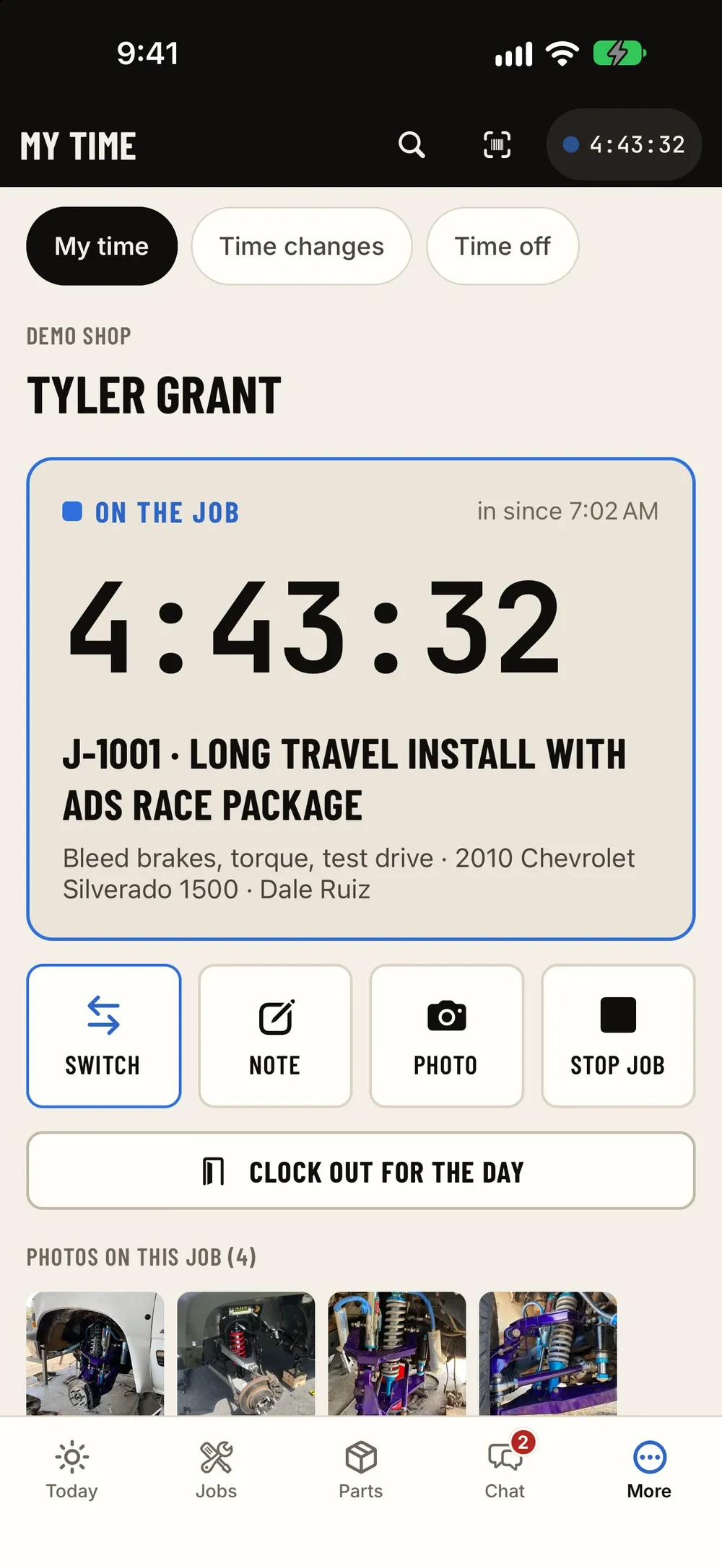
Time clock
Clock in for the day, then onto a job.
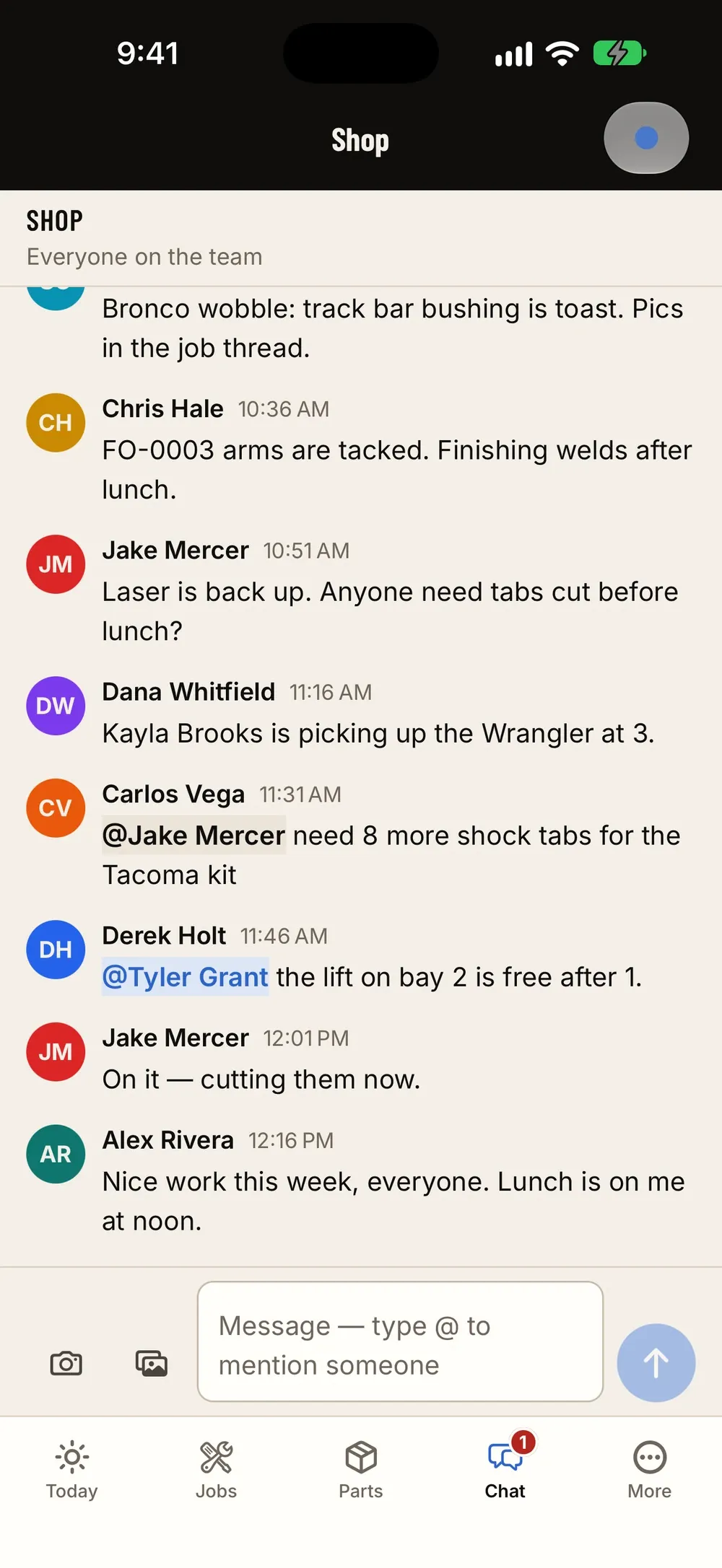
Chat
Job threads and @mentions.
iPad
For the counter, the bays and the wall
Run the board by the bays, take payment at the counter, keep fab orders on the floor, and hang one on the wall as the time-clock kiosk.
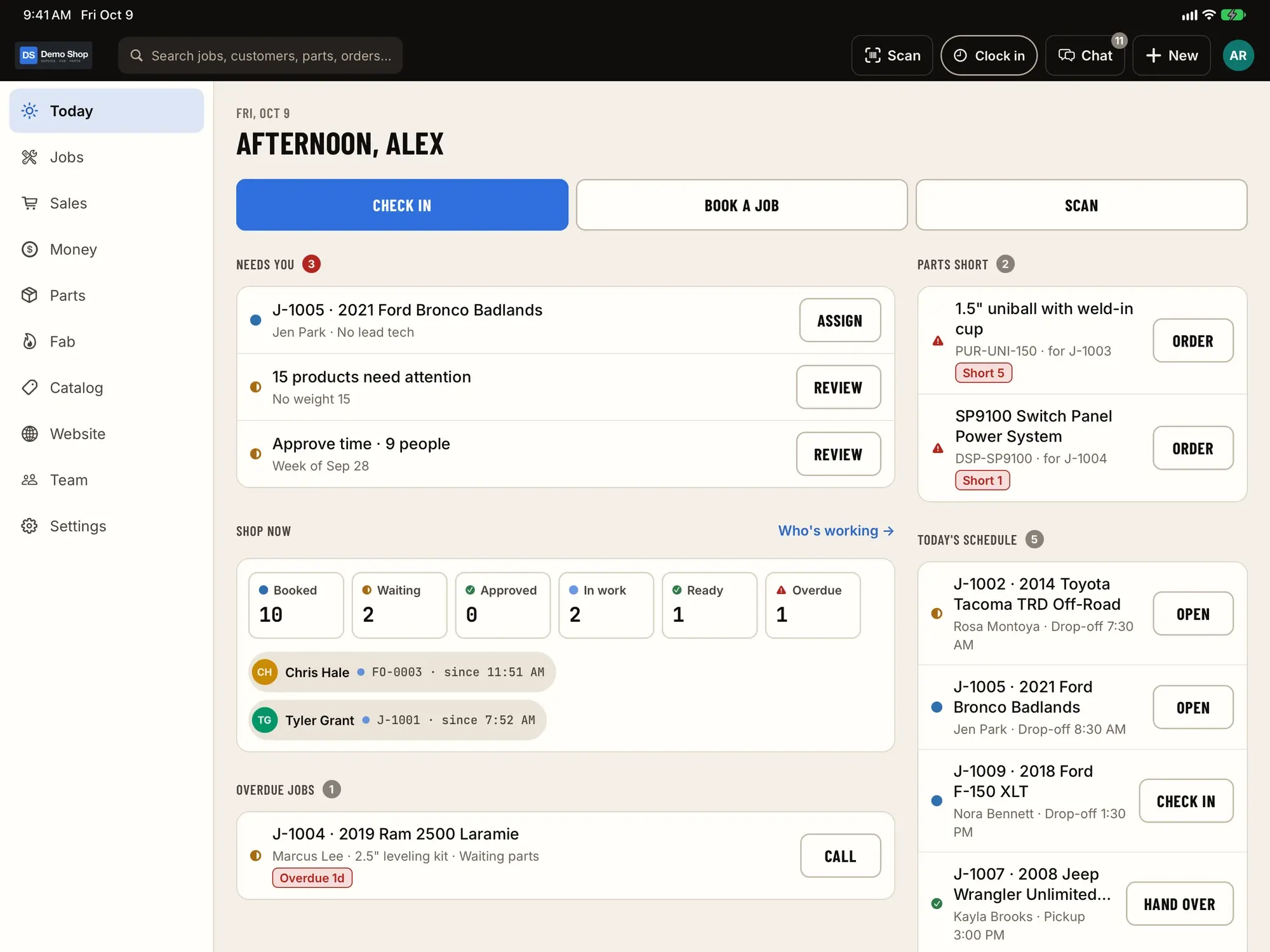
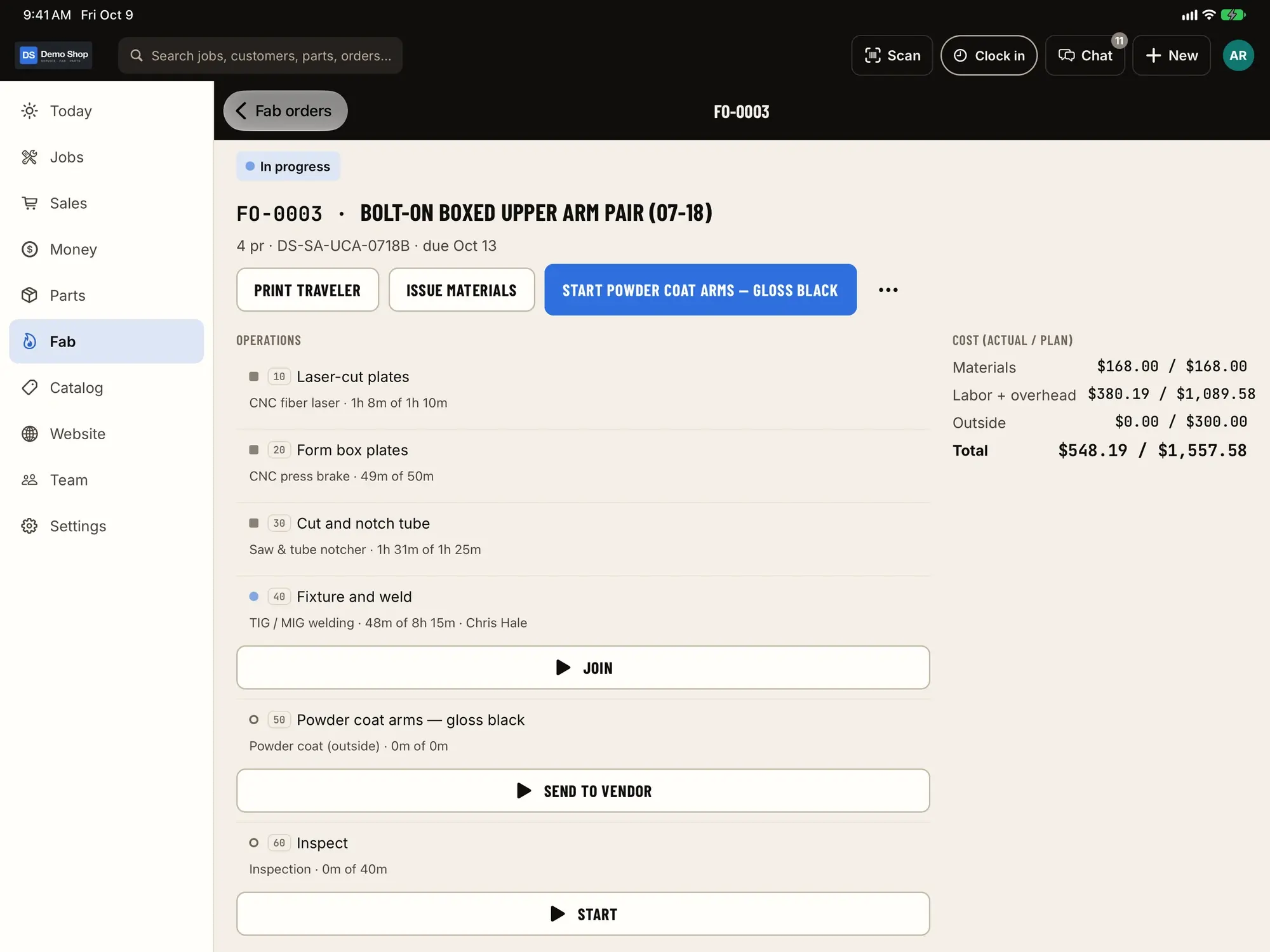
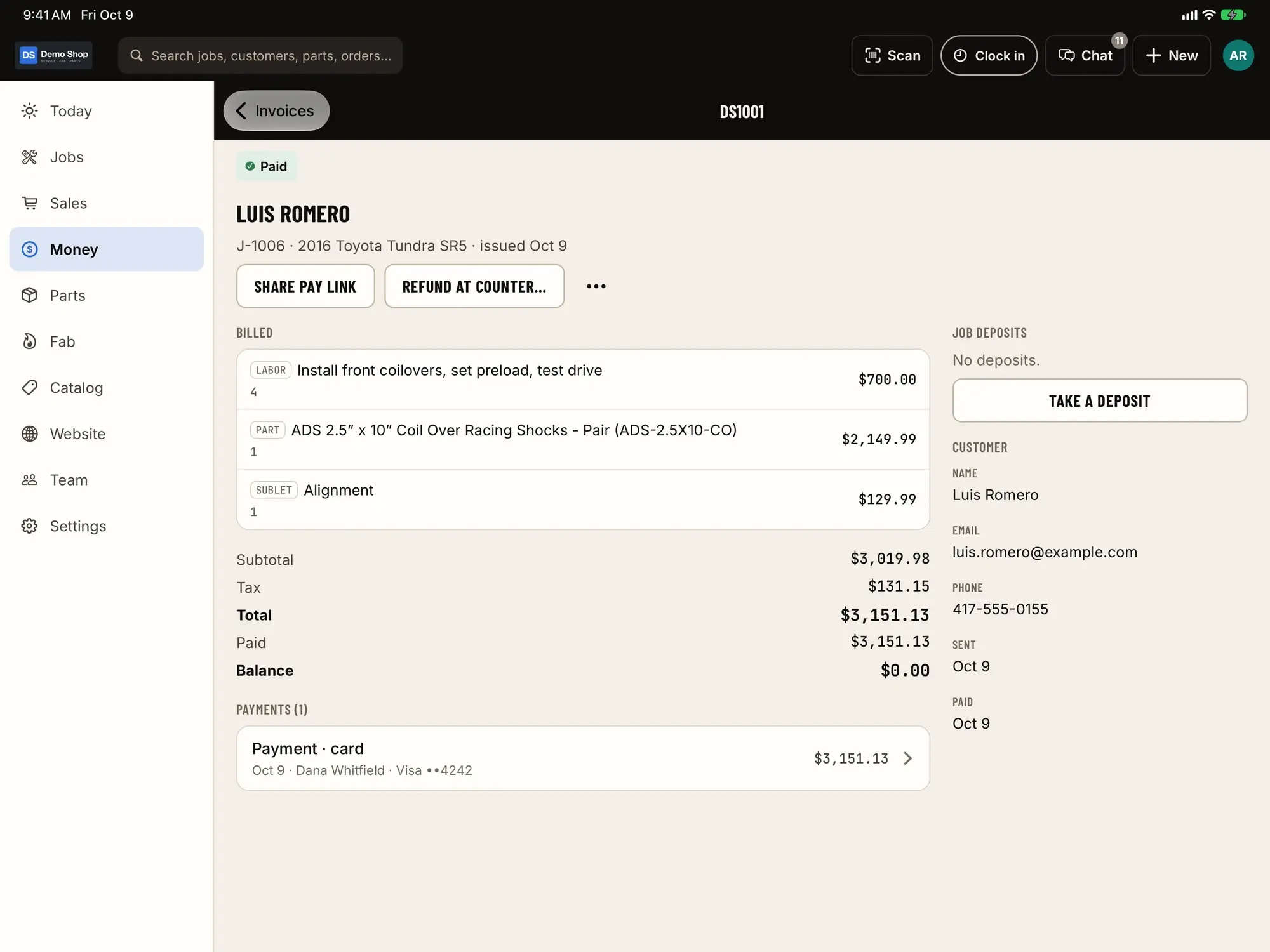
Made for the floor
- Camera scanningVINs at check-in, barcodes at the shelf. Bluetooth and USB scanners work too.
- Check-in with photos and signatureAnd drafts that survive a dropped connection.
- Shared iPad kioskClock in and out with a PIN. No personal phone needed.
- Labels via AirPrintPart, bin and 4×6 shipping labels to a Brother QL, or share them.
- Chat and job threads@mention the person you need; keep it with the job.
- Simple sign-inPhone code, email, Google or Apple.
Questions
Is the app different from the web admin?
No. The iPhone and iPad app has the same features as the web admin. People use whichever is closest.
Can several people share one iPad?
Yes. A shared iPad works as a time-clock kiosk where each person uses their own PIN, and as a shop board by the bays.
What if the signal in the lot is bad?
Check-in drafts are saved on the device as you go, so a dropped connection doesn't lose a half-finished inspection.
How do people sign in?
With a code sent to their phone, email, Google or Apple.
What about other phones and computers?
The app is for iPhone and iPad. On anything else, the web admin works in a modern browser.
Early access
Become a founding shop
We're opening ShopJig to a small group of founding shops. You get a walkthrough on your own kind of work, hands-on help getting set up, and a direct line to the people building it. Pricing isn't public yet.