How it works
One job, start to finish
Follow one illustrative job through the shop: a customer wants a front bumper and a lift kit installed on their truck, plus a set of custom rock sliders built in-house.
A bumper, a lift and a set of sliders
An illustrative job. Use the steps, the arrows or your keyboard's arrow keys.
Step 1 of 9
The estimate goes out
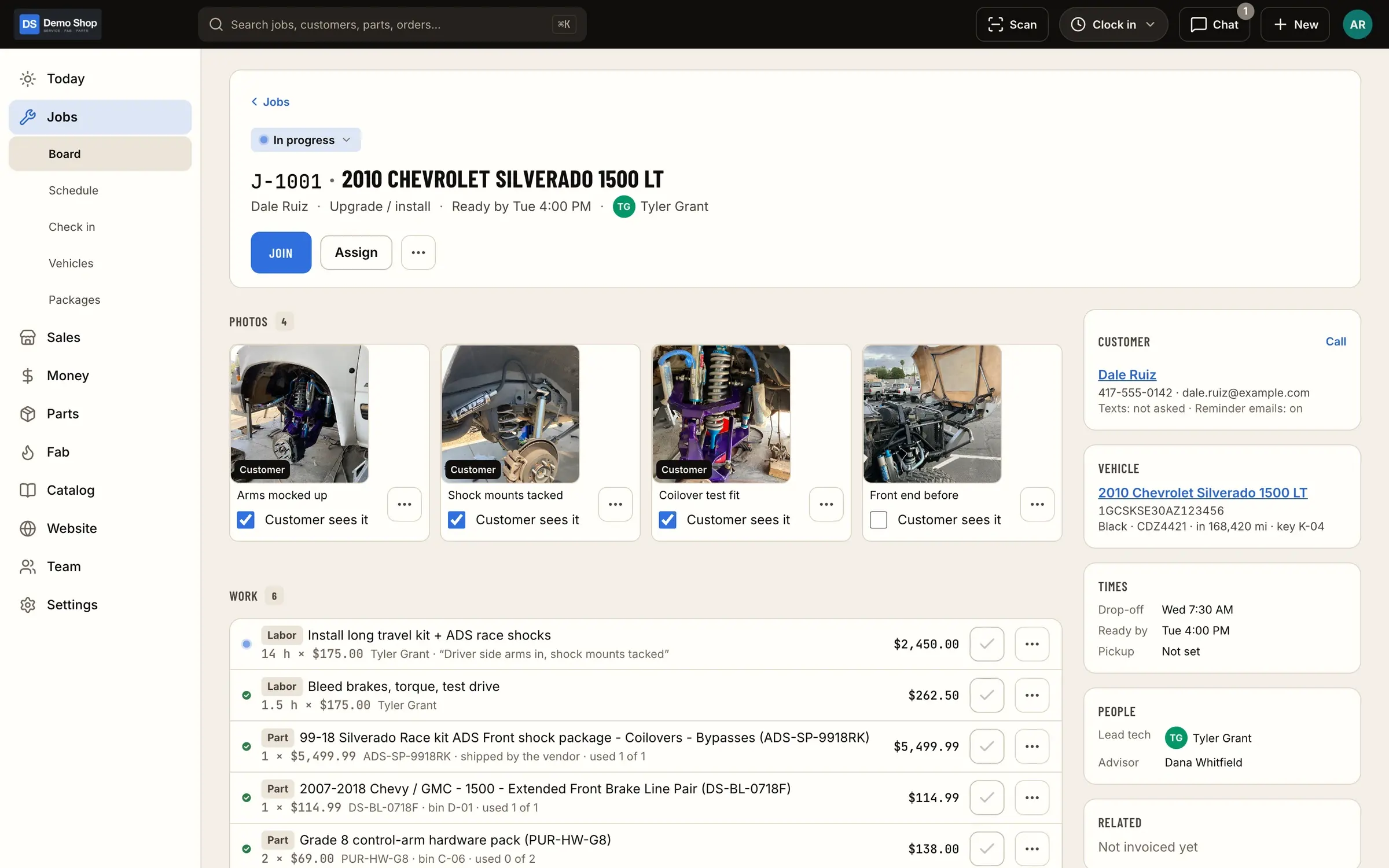
The office builds the estimate: the bumper and lift kit from the catalog, install labor from a standard job package, and a one-off fab line for the sliders. It goes to the customer as a link.
- Who
- Office
- Where
- Web admin
Step 2 of 9
The customer approves it
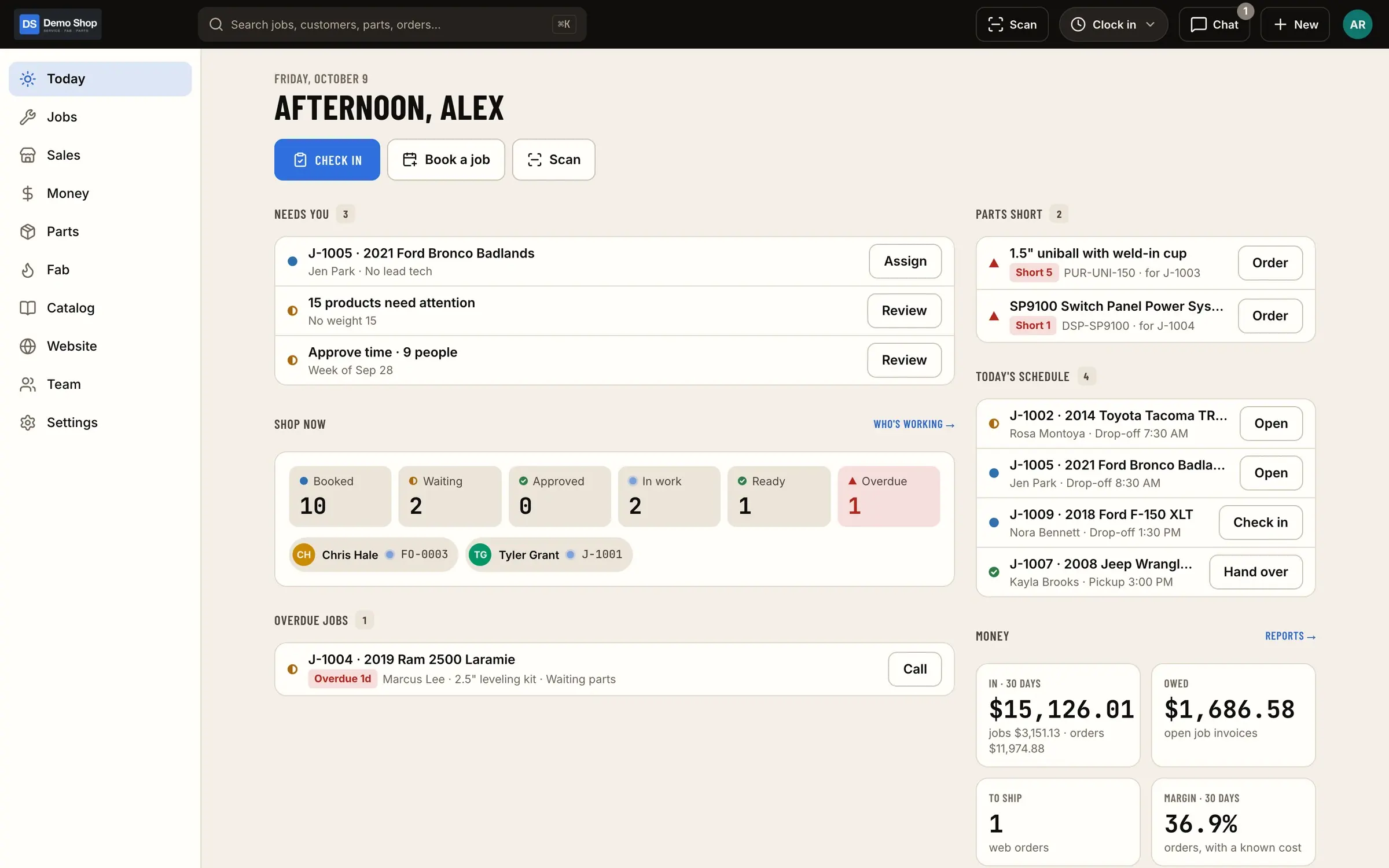
The customer opens the link and approves the estimate. The approval is recorded on the job, the office sees it on Today, and a deposit is taken against it. No phone tag.
- Who
- Customer
- Where
- Link / customer portal
Step 3 of 9
It goes on the schedule
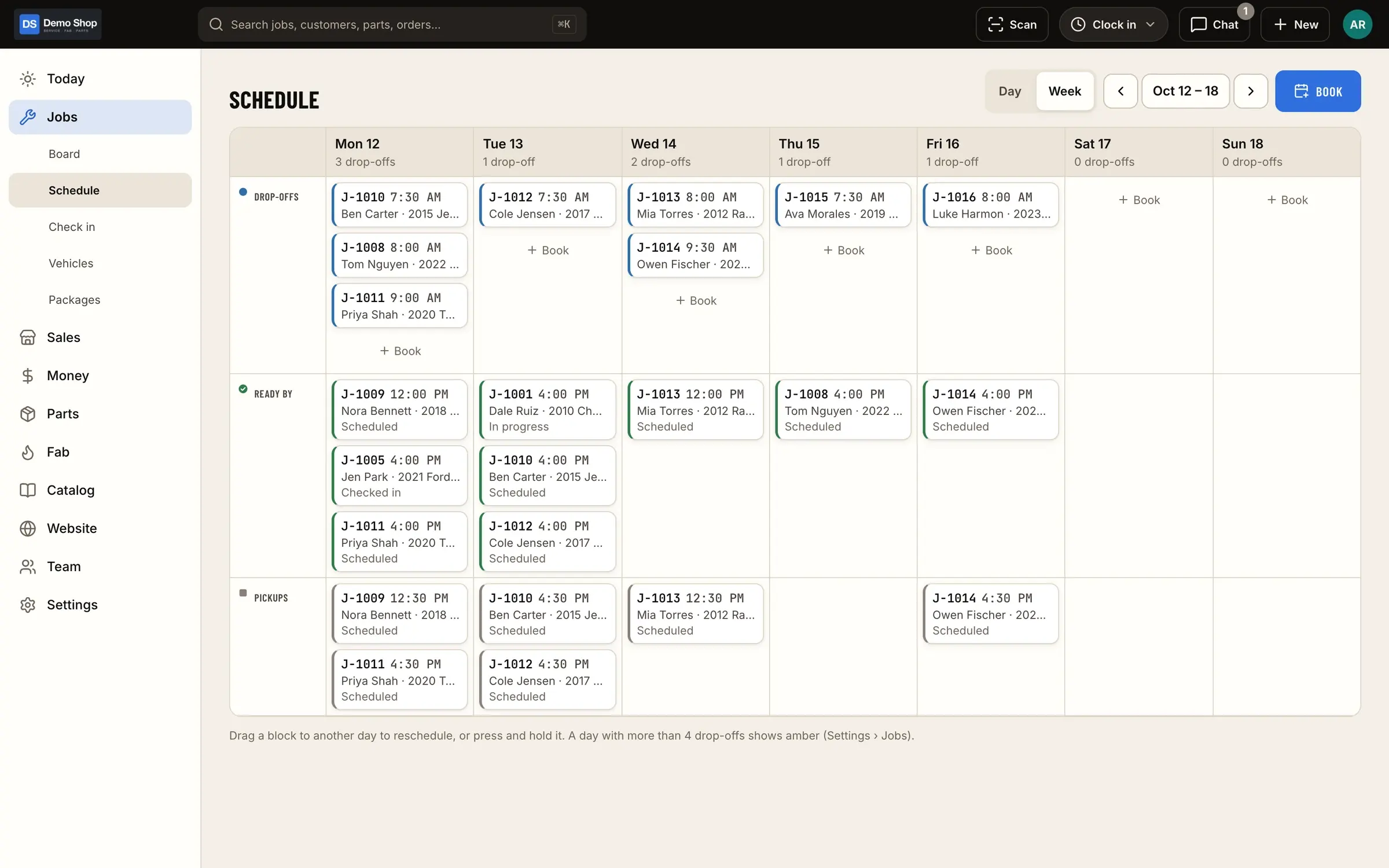
The drop-off is booked on the shop calendar, and the job shows up on the board as scheduled.
- Who
- Office
- Where
- Web or iPad
Step 4 of 9
The truck is checked in
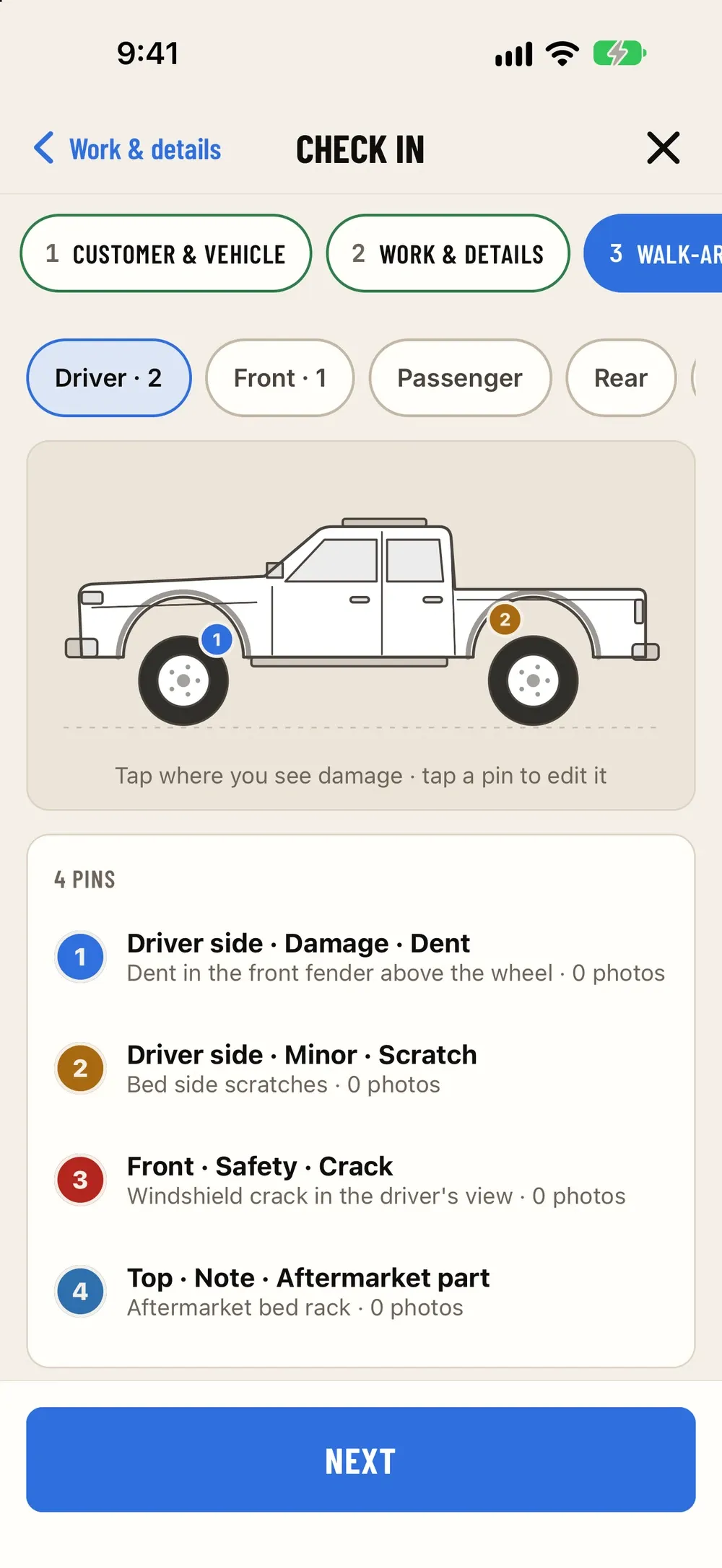
At drop-off, the VIN is scanned and decoded, the concern is written down, the walk-around photos are taken and the customer signs. The job moves to checked in.
- Who
- Service writer
- Where
- iPhone
Step 5 of 9
Parts are pulled or ordered
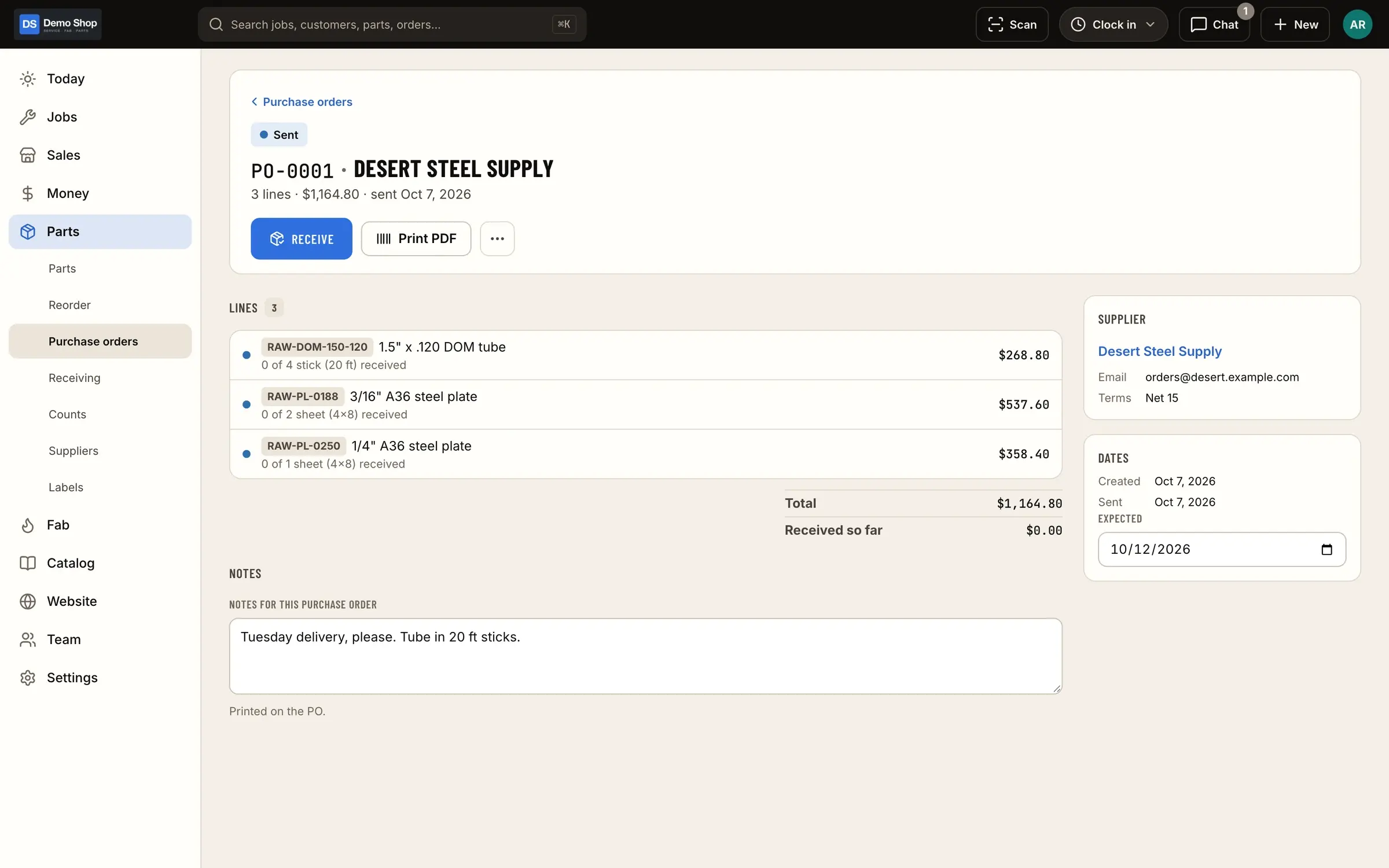
The bumper is pulled from stock with a scan. The lift kit isn't in stock, so it lands on "What do we need?", goes out on a purchase order, and the job waits on parts until it's received.
- Who
- Parts / office
- Where
- Web + iPhone
Step 6 of 9
The sliders are built
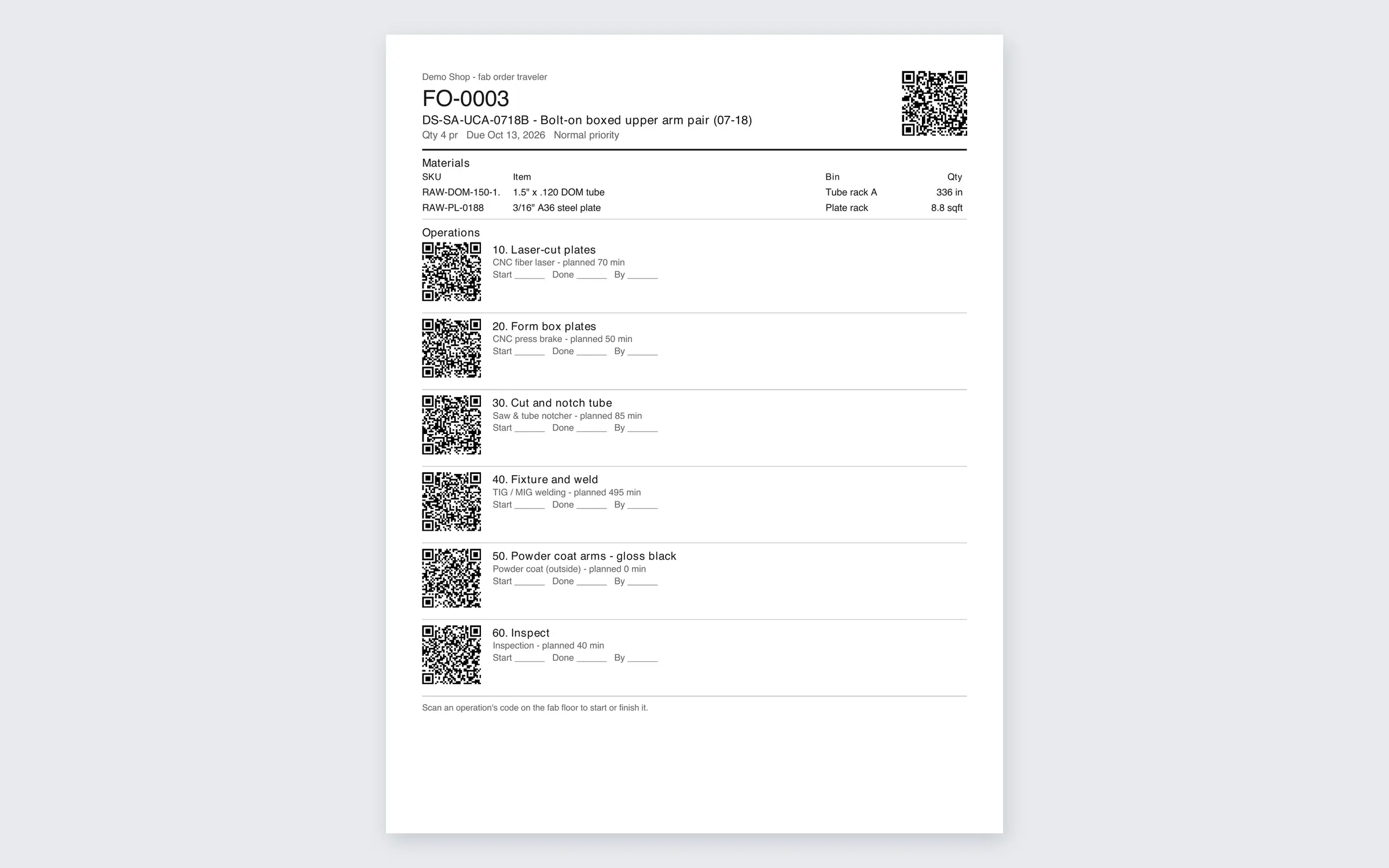
The sliders run as a fab order. A traveler with a QR code goes on the cart, and each operation (cut, bend, weld, coat) is timed by whoever does it.
- Who
- Fabricators
- Where
- iPad on the floor
Step 7 of 9
The install is clocked to the job
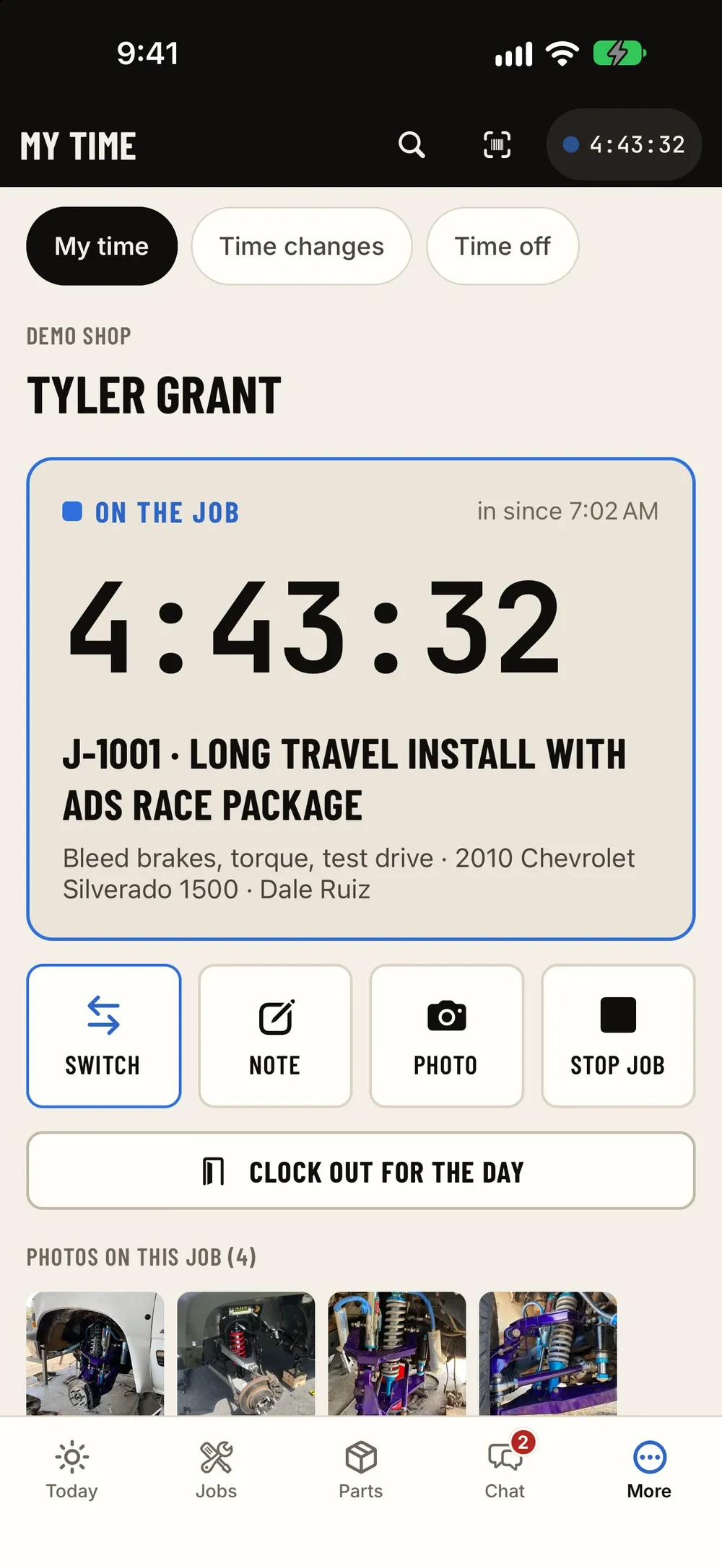
The tech clocks onto the job inside their day and gets to work. Questions go in the job's chat thread, with photos, where everyone can see them.
- Who
- Tech
- Where
- iPhone / iPad
Step 8 of 9
Invoice, payment, hand-over
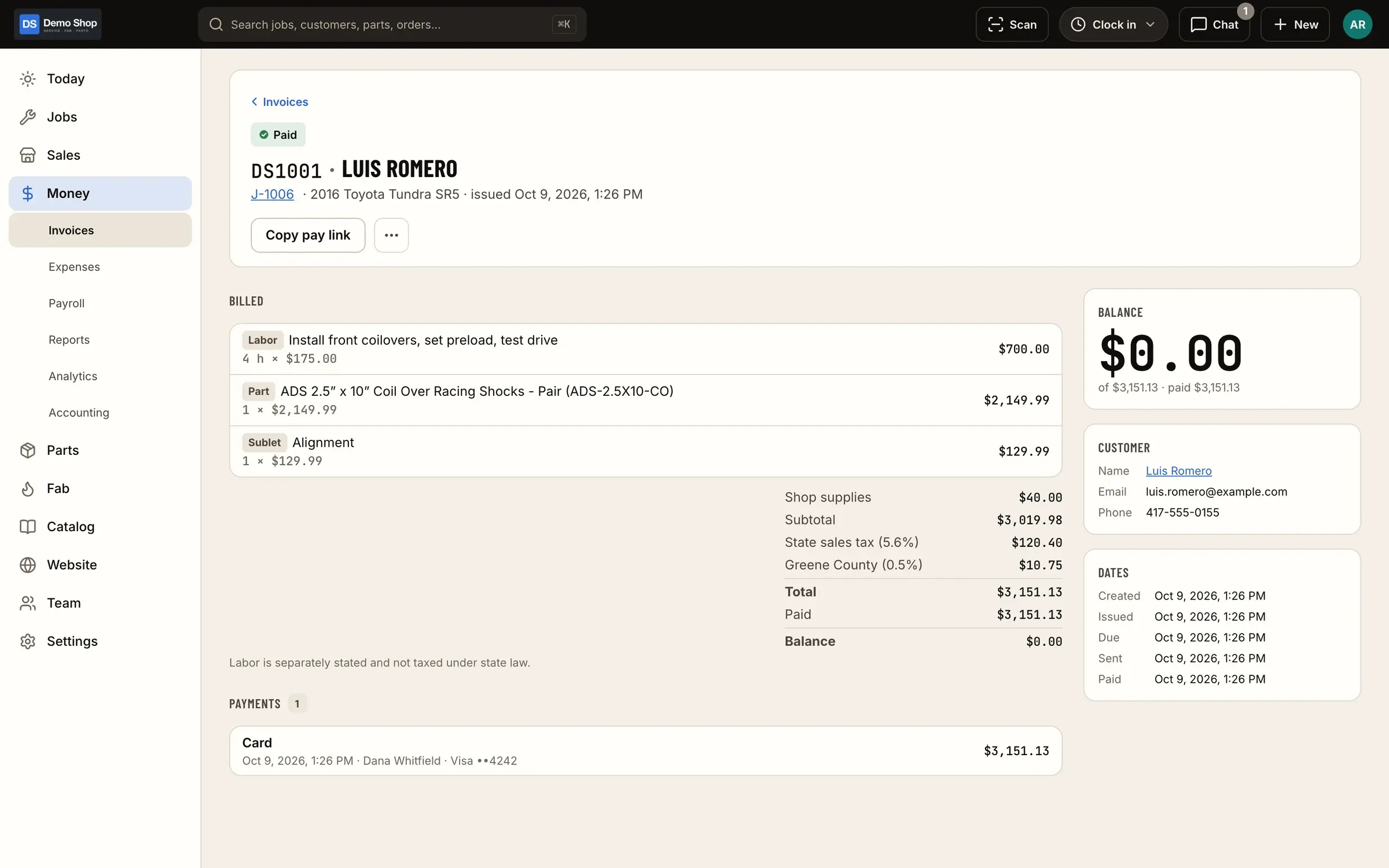
The job is marked ready and becomes the invoice, with the parts, labor and fab work already on it. The deposit is applied, the balance is paid at the counter or by pay link, and the truck is handed over at pickup.
- Who
- Office
- Where
- Web or iPad
Step 9 of 9
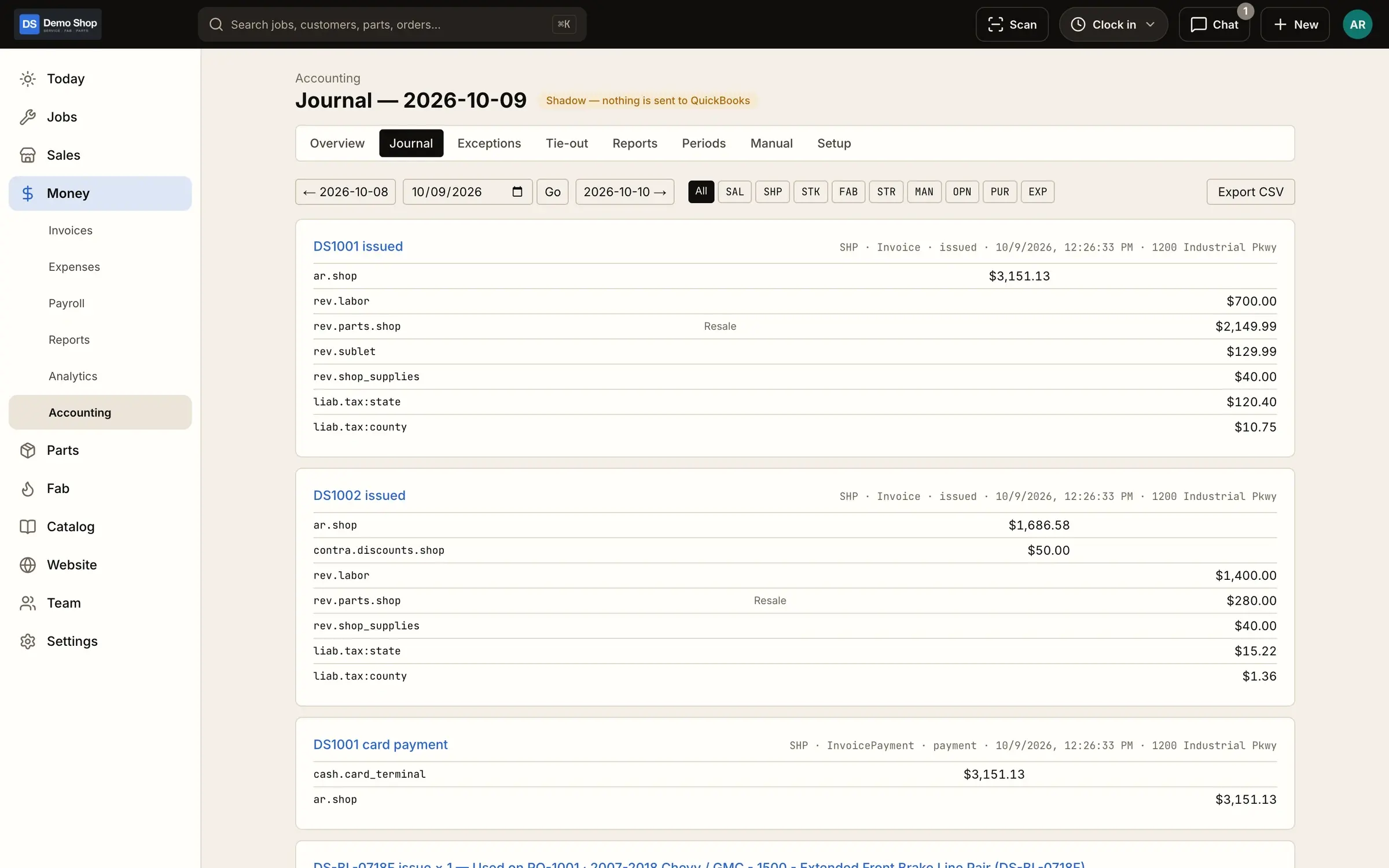
The day closes in QuickBooks
That day's sales, payments and cost of goods go to QuickBooks Online as summary journal entries. The margin on the job is in the reports, from real numbers.
- Who
- Automatic
- Where
- QuickBooks Online
Early access
Walk through it with your own jobs
Book a walkthrough and we'll run one of your typical jobs through ShopJig, from the estimate to QuickBooks.