Shipping, labels and returns
Online orders ship from the same system that runs the shop. Checkout charges the right shipping, the label is bought from the order, and the awkward cases (a second box, a freight quote, an address abroad, a return) each have a proper place.
Shipping an order
What it does
Shipping & returns, in plain terms
Carrier rates or flat-rate profiles
Charge live carrier rates at checkout, or flat rates by shipping profile and zone. Local pickup and a free-shipping threshold sit alongside, and Shopify shipping profiles import.
Several boxes per order
Split an order across boxes. Each box gets its own rate, label and tracking number, and its own Void label if the wrong one was bought. The customer gets every tracking number.
Alaska, Hawaii, territories and APO/FPO
Flat rates are priced for the lower 48. Alaska, Hawaii, Puerto Rico and the other territories, and military APO, FPO and DPO addresses get a carrier quote instead.
International checkout
Choose the countries you ship to. The address form fits the country, the carrier quotes the rate, checkout says duties and import taxes are the buyer's, and the label's customs form is filled in from each product's HS code and country of origin.
Freight, quoted after the order
Mark a profile as freight for parts too big for a parcel carrier, and take the order with the shipping quoted afterwards.
Extra charges after the order
Need to add shipping once the order's in? Add an extra charge and the customer gets a pay link. You can hold the label until it's paid.
Shipping protection
Offer protection at checkout as a percentage or by tiers. The customer adds it, or ticks a box saying they're going without, and a protected order's label is insured for what's in the box.
Drop ship and digital products
Drop-ship lines raise a purchase order to the vendor with the customer's address. Digital products never ship; they wait in the queue until someone marks the file sent.
Returns with a restocking fee
Set a restocking fee and a return window. The refund suggests the fee on returned stock items and warns on custom work or a late return; the rest goes back the way they paid.
Screens
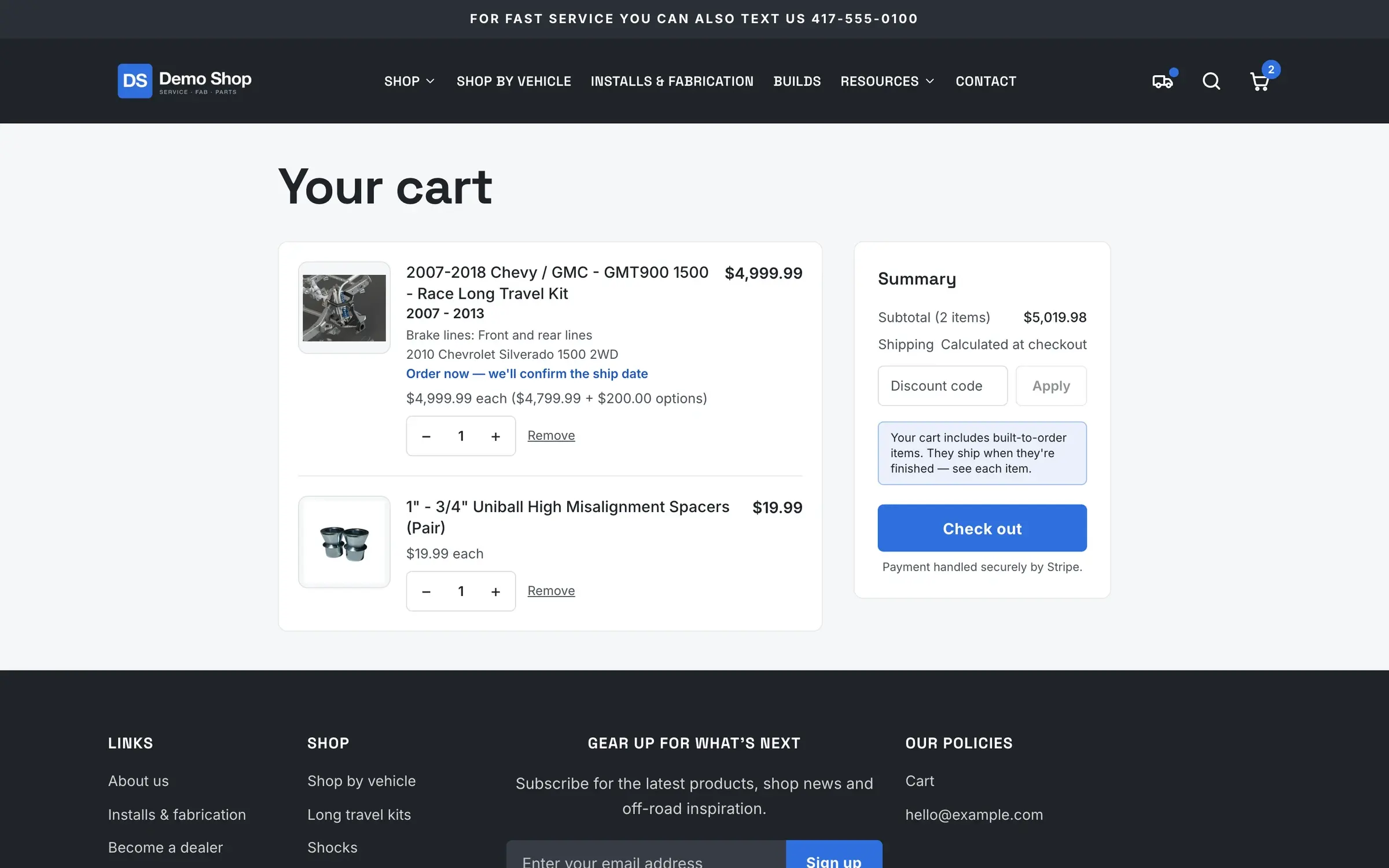
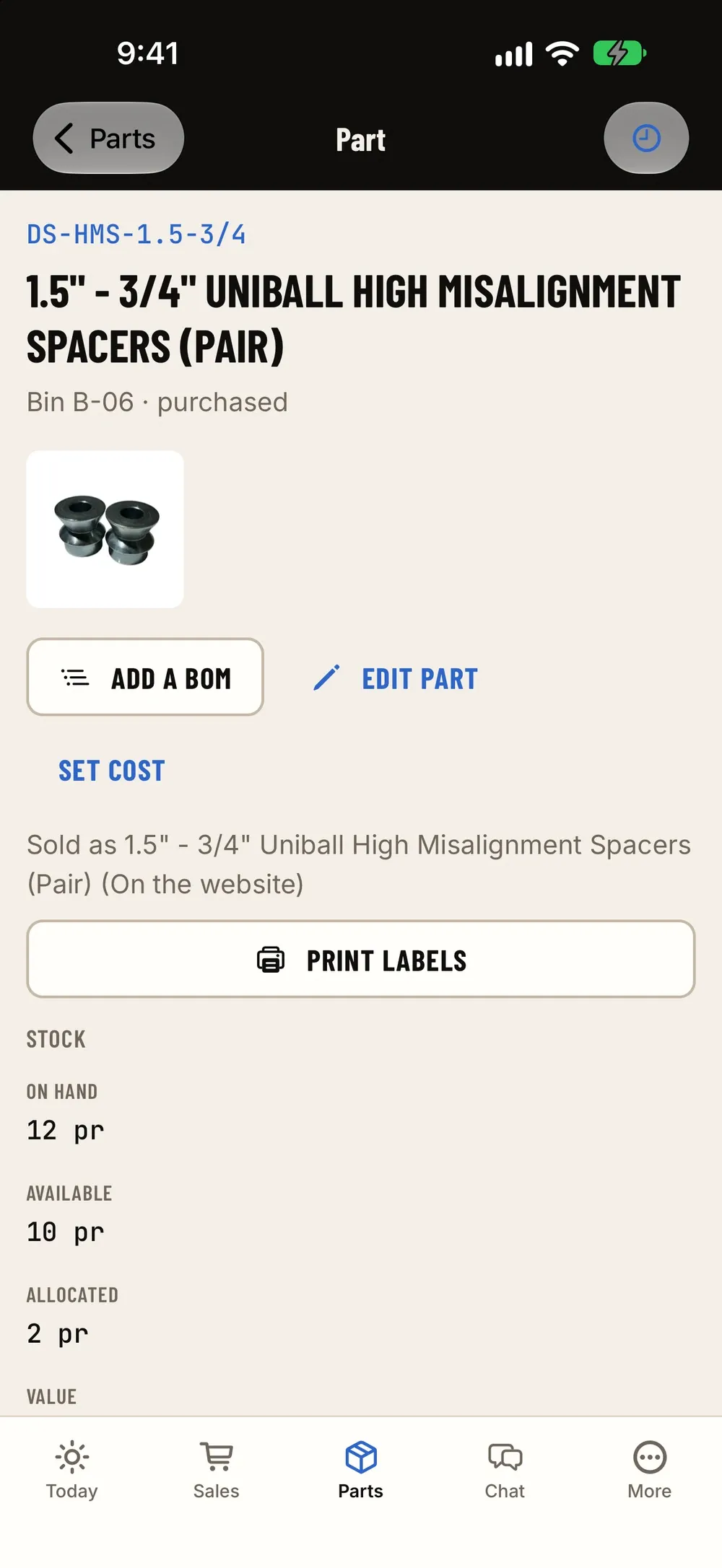
How it fits the flow
How it fits the flow
- Quote
- Check-in
- Job
- Fab
- Invoice (this module)
- Books
Where it sits in the flow
Shipping is the last step of an online order. The checkout charges the shipping and any protection; the paid order lands in the ship queue; someone packs it, buys the label and prints it on the same bench; and the delivery moves the sale and its cost on to QuickBooks. Drop-ship lines become purchase orders, built-to-order parts wait on their fab order, and a return comes back through the same order with its refund.
Questions
Which carriers can I use?
Rates and labels come from the carriers on your shipping account (ShopJig buys labels through Shippo). Labels print 4×6 through AirPrint or the share sheet.
Can I bring my Shopify shipping profiles?
Yes. Profiles, zones and flat rates import from Shopify. Rates with conditions, such as weight or price limits, don't, and the import lists what it skipped.
Who pays duties on international orders?
The buyer. Checkout says so before they pay, and the customs form is marked that way.
Where does the shipping protection fee go?
It's income to the shop, kept in its own account. An order that was protected but goes out without a label bought in ShopJig is flagged for a look.
Can I void a label?
Yes, from the order or the ship screen, on the web or in the app. A voided box goes back to not shipped with its items still in it.
Works with
Website & store
The shop's own website and store on the same system: fitment, "my truck" and VIN lookup, add-ons and required questions, a checkout with address suggestions and financing, gift cards, customer accounts, guest order lookup, a page builder, dealer pricing, SEO and your own branding.
Learn moreScanning & labels
Scan VINs and barcodes with the camera or a Bluetooth/USB scanner, and print part, bin and 4×6 shipping labels from the phone or the web.
Learn moreParts & inventory
A costed stock ledger with stock by location, counts and reorder points, a "What do we need?" list, purchase orders and receiving, supplier price lists and drop ship.
Learn moreEarly access
Become a founding shop
We're opening ShopJig to a small group of founding shops. You get a walkthrough on your own kind of work, hands-on help getting set up, and a direct line to the people building it. Pricing isn't public yet.